- Download and open the Pent Pool app.
- Enter your email address.
- Create a password.
- Accept the Terms of Service.
- Tap “Create My Account.”
- Check your email for a 6-digit code.
- Enter the code and tap “Submit.”
- Complete your profile
- Tap “Add Device, Then Select “Continue Installation.”
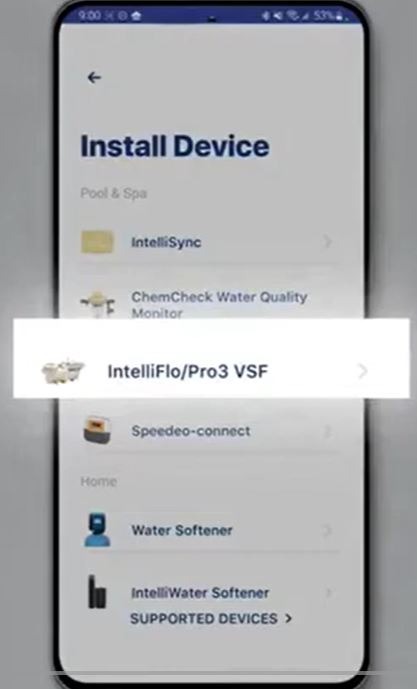
- Choose intelliflo3/Pro3 VSF
- Stay close to the pump for Bluetooth pairing.
- Press and release the connect button on the pump until it blinks blue.
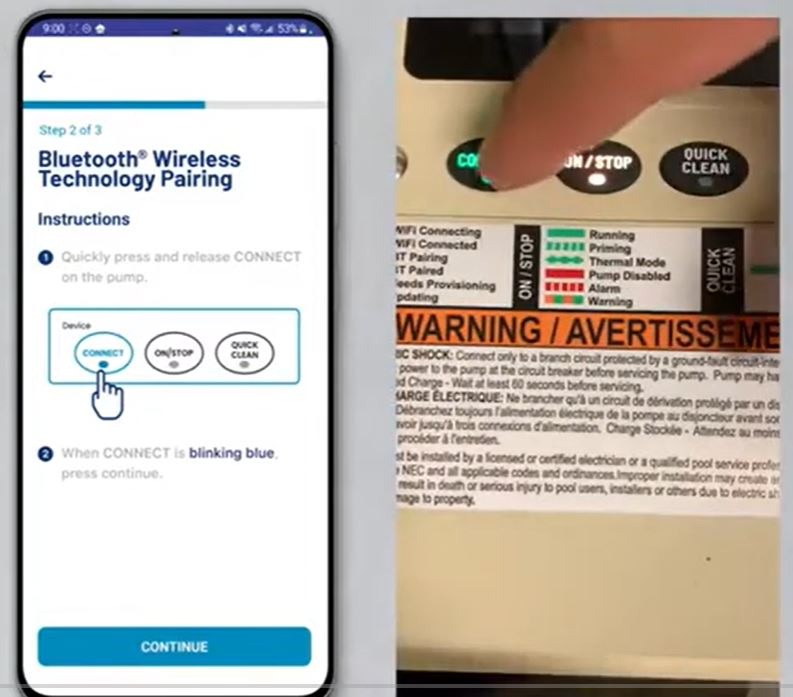
- Tap “Continue.”
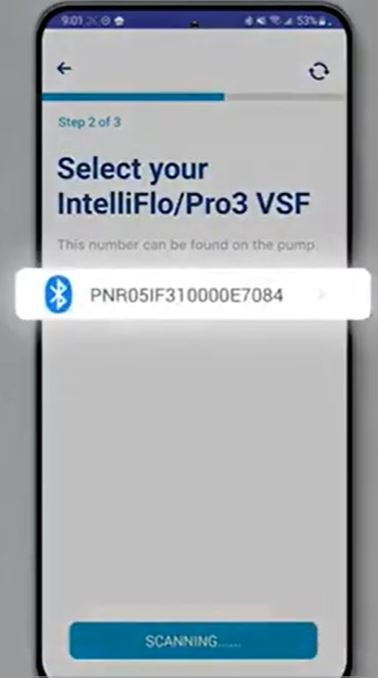
- Select your pump from the list.
- Tap “Continue” once connected.
- Select the device address.
- Select “Connect via Wi-Fi.”
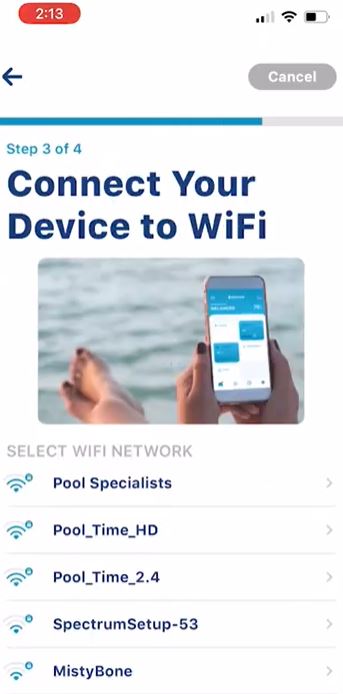
- Choose your network.
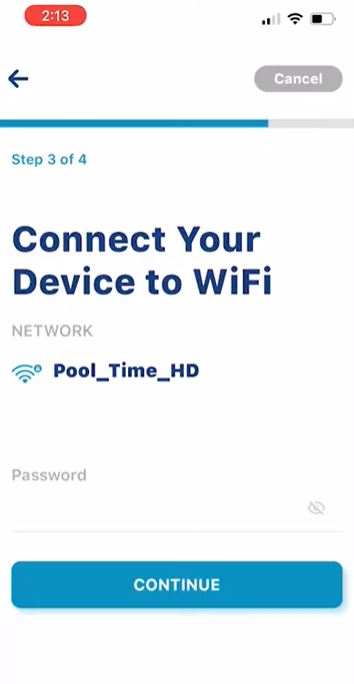
- Enter the Wi-Fi password and tap Continue.
- Confirm the pump’s address.
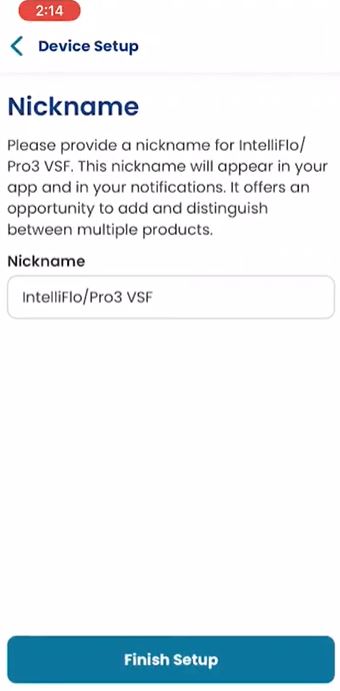
- Give the pump a nickname and save it.
- Choose your notification preferences.
- Select skip on the top right handle.
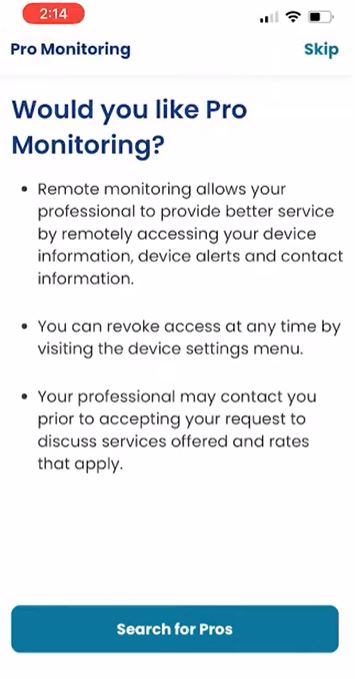
- Tap Done, then Continue to finish setup.
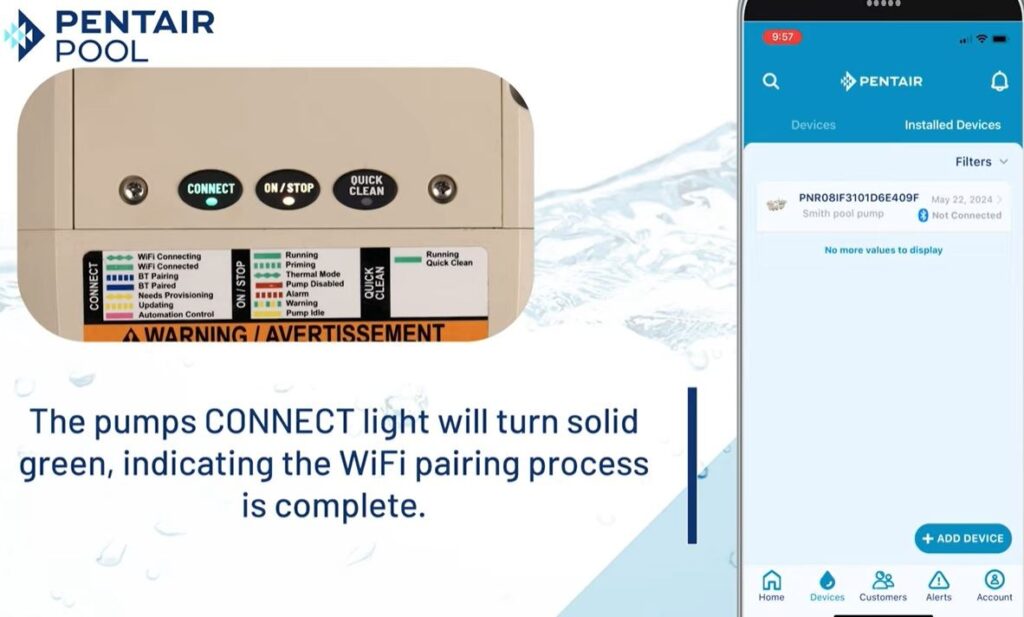
- Confirmation: The pump’s connect light will turn solid green, indicating successful Wi-Fi connection. You’re now connected!